Everything
inside Apple Wallet and Google Wallet.
Loyalty cards, gift cards, tickets, badges, coupons, membership cards... Every customer relationship document, right in the smartphone Wallet.
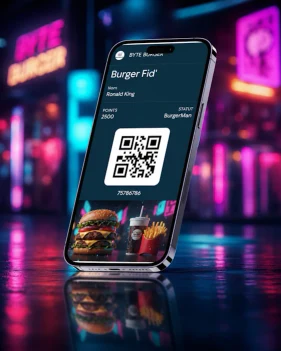
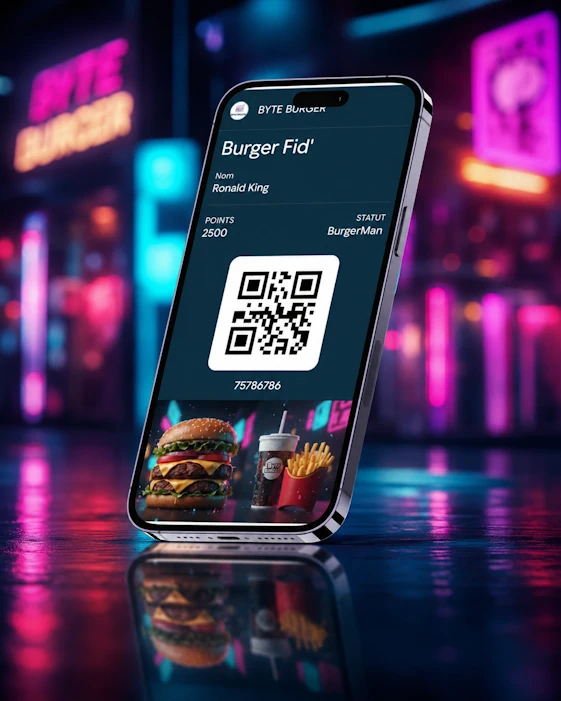
The loyalty card in Apple Wallet & Google Wallet: always within reach.
Plastic cards get forgotten, lost, or buried in a drawer.
A loyalty card on Wallet lives directly inside the phone's native app.
The points balance updates in real time after every purchase. Your customer sees their progress without opening an app or hunting for a login. And you can send a push notification the moment a reward tier is hit.


The digital coupon in the Wallet:
the one they never forget.
No more paper vouchers stuffed in a bag or promotional emails that go unread. A Wallet coupon installs with one tap and surfaces automatically when the customer is near your store, thanks to geolocation.
At checkout, the QR code appears instantly, even without connectivity. Single-use or multi-use, with a visible expiration date, it can be revoked or updated remotely in seconds.
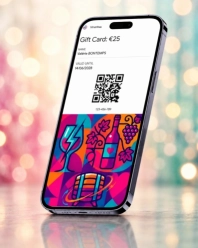
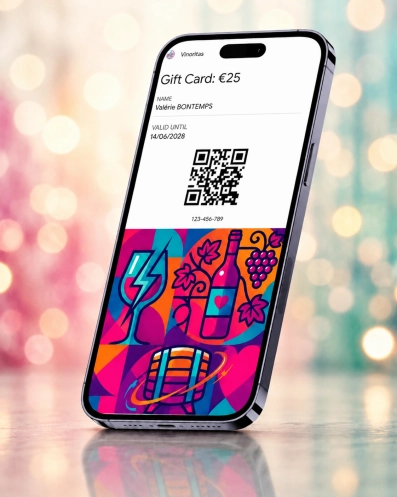
The digital gift card in the Wallet:
rechargeable and shareable.
A plastic gift card gives you zero visibility into how it is used. A Wallet pass shows the remaining balance, updated after every purchase, so the recipient always knows exactly what they have left.
Transferable by link, remotely rechargeable, it can be gifted in seconds by SMS or email. No store visit needed for activation, and no PIN codes to lose.
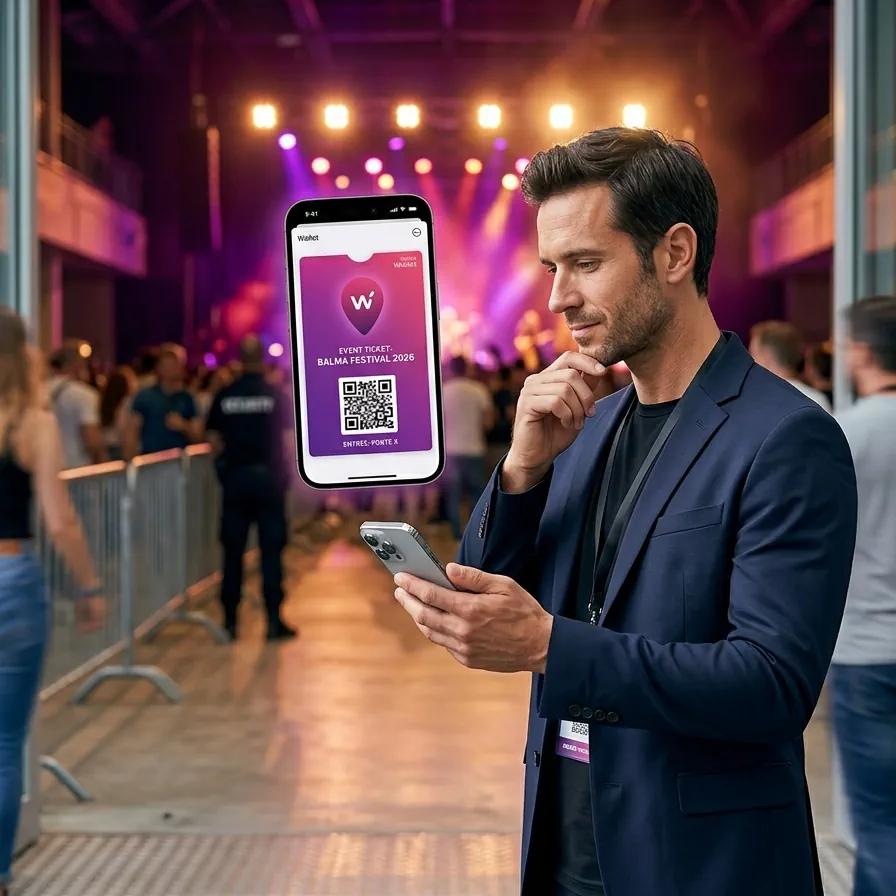
The digital ticket in the Wallet: impossible to lose, revocable at any time.
Concert, conference, game, show, or transit: a Wallet ticket is added with one tap from the confirmation email or SMS. Faster lines, a better visitor experience, and capabilities no other ticket format can match.
The QR code or barcode is readable offline. It can be revoked or updated remotely in case of cancellation or date change, with no reprinting and no need to contact the holder.
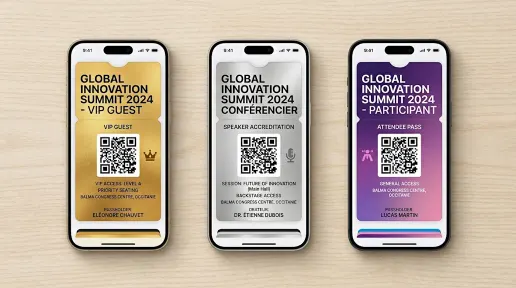
The VIP pass and event invitation in the Wallet: real-time access control.
Private event, preview night, backstage access, or product launch: the VIP Wallet pass is fully branded to the event. The recipient gets it by SMS or email and adds it with one tap.
Access is controlled by QR code, reserved exclusively for valid pass holders. For no-shows or updated guest lists, the pass is revocable remotely in real time.


The digital access badge in the Wallet: no more plastic cards to lose.
Employees, members, VIP visitors, or delegates: the Wallet badge replaces the plastic card on a lanyard. It appears on the lock screen with a double-click: faster, safer, and much harder to misplace.
Access rights are managed remotely from your system: add, revoke, update time-window permissions... no reprinting or front-desk visit required.
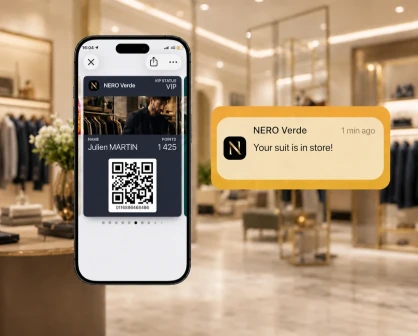
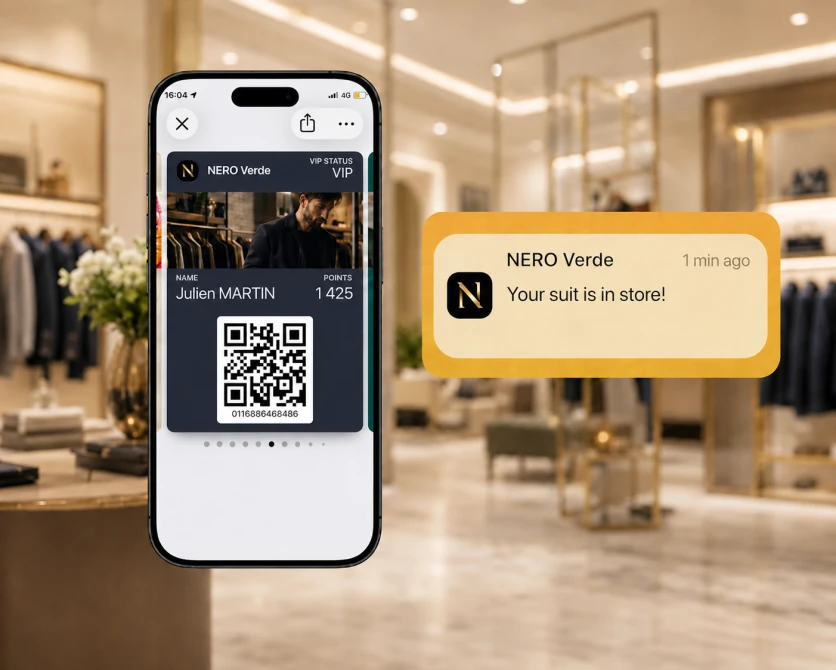
The Click & Collect voucher in the Wallet: push notification the moment the order is ready.
At order confirmation, the Click & Collect voucher is automatically added to the Wallet. When the order is ready for pickup, a push notification is sent directly to the customer.
At the pickup point, the collection code appears with a single gesture. Once the package is retrieved, the pass can be archived or converted into a loyalty coupon for the next visit.
Going digital also means reducing your environmental footprint.
Every Wallet pass replaces a plastic card or a paper document. Less printing, less physical distribution, less waste: a concrete sustainability argument for clients who communicate their CSR commitments. At the scale of a 100,000-holder base, that translates to hundreds of kilos of plastic avoided.
What you want to know
before getting started.
Can you add a loyalty card to Apple Wallet or Google Wallet?
How do you go digital with a loyalty card on a smartphone without an app?
Does a Wallet pass work without an internet connection?
What is the difference between a Wallet pass and a mobile loyalty app?
How do you update a Wallet pass without reprinting it or re-contacting the customer?
Can a Wallet coupon be limited to a single use?
One pass.
Every document, fully digital.
Walleett and a straightforward API integration are all it takes to issue, update, and revoke any of these documents from your existing system.